
 +92 300 1110365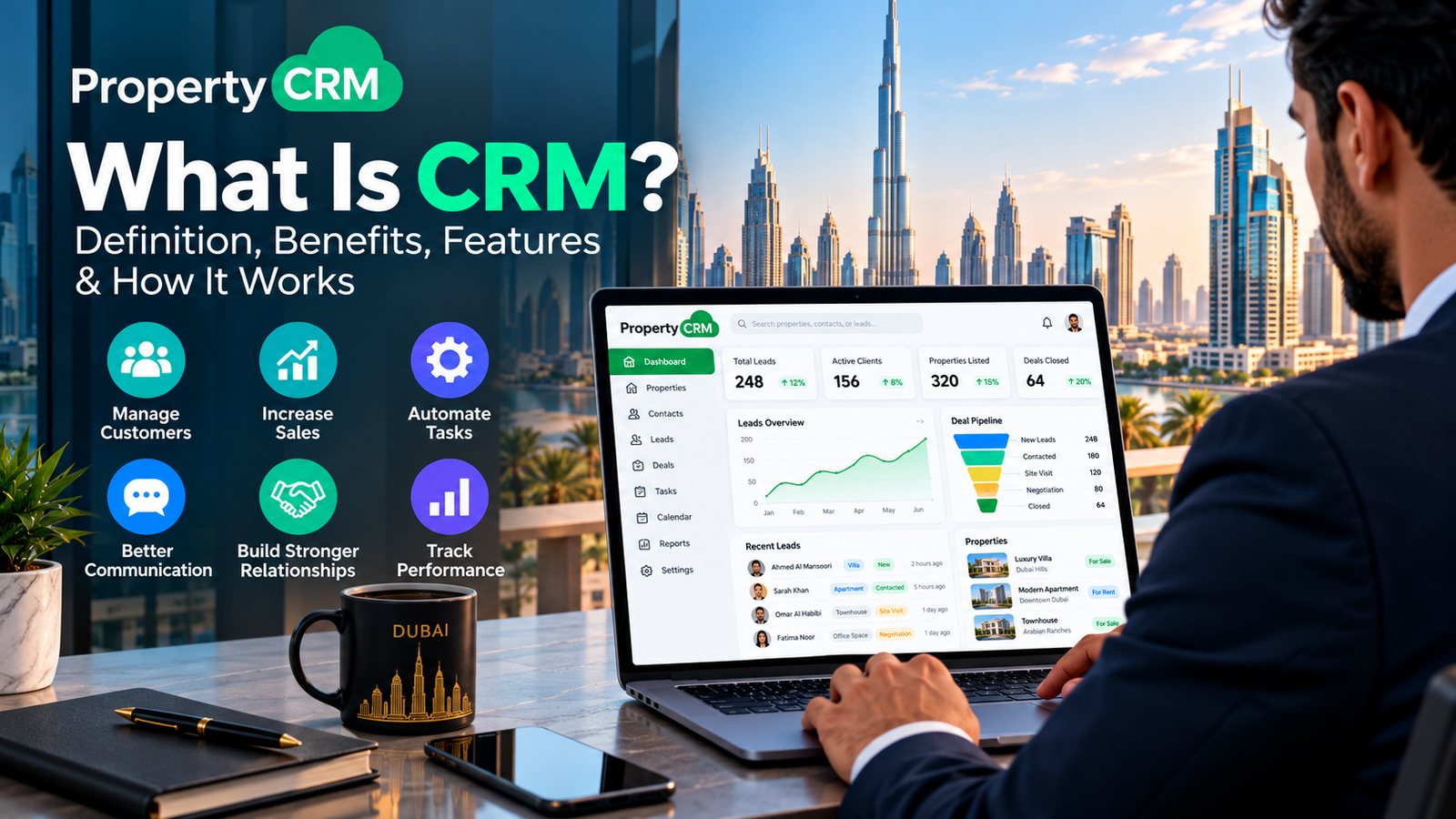
What Is CRM? Definition, Benefits, Features & How It Works
CRM software keeps all your customer and lead details in one place. That’s the whole idea. You use it to hold on to the customers you have and win a few more.
Add AI and it gets more useful. It can show how customers behave, where your sales pipeline is stuck, and which salesperson is actually closing.
It also takes over the boring work. Emails, texts, and quotes go out in seconds. From the first inquiry to follow-ups and after-sales support, your team sees what they need, when they need it. AI can even forecast next month’s sales.
What Makes Businesses Choose CRM Systems?
Sales pays the bills, and spreadsheets are bad at it. Ever tried finding one client’s last conversation in a sheet with 3,000 rows? Reports take forever, and analytics barely exist.
A Best crm software in dubai generates more leads, enables you to communicate with them effectively, and creates a customer referral network for you. The sales team will have all the relevant information when needed and therefore close sales more quickly. Every company can implement this tool, regardless of size.
What Are the Types of CRM Systems?
- On-premise CRMs: Installed on servers inside your own office. You buy the setup, pay for upkeep and upgrades, and still pay for the license.
- Cloud-based CRMs: The most common choice. Log in from any browser. Setup is fast, and most of the time you only pay the license fee.
- Industry-specific CRMs: Made for one field, like healthcare, insurance, hospitality, or real estate. Property CRM, for example, is built around property deals.
- All-in-one CRMs: Flexible, secure, and they plug into other business tools. You see the pipeline, the forecasts, and every single contact from one screen.
How Are CRMs Useful for Different Kinds of Businesses?
A CRM can be adjusted to fit nearly any business, big or small.
B2B
Plenty of people think B2B doesn’t need a CRM. It does. You still track accounts, deals, payments, and reports. A CRM keeps partners, vendors, and other stakeholders on the same page.
B2C
Customers decide fast here, so slow replies lose sales. A multichannel CRM with lead management, quick surveys, and marketing automation helps you reach people sooner.
SMBs
A cloud CRM isn’t too costly or too complicated for a small business. Many offer a free plan to start. It lets a small team compete with bigger names.
Enterprises
With more customers comes more complicated dealings. Workflow management, analytics, territory management, and automation free up your sales team from boring stuff and help teams in various cities work together.
Who Can Use a CRM System?
Anybody familiar with using a computer can learn it easily. The sales and support teams benefit most from the software.
- Marketers: Run targeted campaigns and keep prospects warm with automation and AI predictions until sales takes over.
- Sales reps: Everything about a customer sits in one place, so even complicated deals are easier to handle. Automation and AI suggestions help too.
- Customer service agents: Assign tickets, handle escalations, and keep customers happy, all on one platform.
Benefits of Using a CRM System
Skip the CRM and you’ll likely lose opportunities and waste time. Here’s what a good one gives you:
- Increased automation
- Centralized information
- Enhanced operations
- Cost effectiveness
- Increased productivity
- Mobile workspace
- Data-driven decision-making
- Streamlined sales process
- Contextual communication
- Enhanced customer engagement
- Legal compliance
- Effortless team collaboration
Curious how a CRM works for real estate? Call Property CRM on +971 58 659 6644 or email info@propertycrm.net and ask for a demo.
What Are the Key Features of a CRM System?
Lead Management
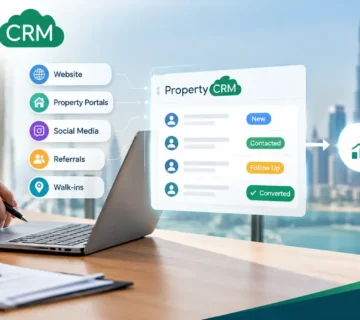
Getting good leads is half the job. Following them to a closed deal is the other half. Lead scoring and automated lead assignment point you to the leads most likely to convert, so you don’t waste calls on the rest.
Contact Management
All your contacts live in one place. You can see when you last spoke, when they like to be called, and how they prefer to be reached. If a colleague takes over, nothing gets lost.
Deal Management
See every current and upcoming deal at a glance. Sort them by pipeline stage, check the chances of winning, and figure out why a lost deal went cold.
Email Management
Connect your email to the CRM and stop jumping between tabs. Sort your inbox, track replies, follow up on time, and save your own templates.
Sales Automation
Let workflows handle the admin. Leads reach the right rep automatically, and your team spends the day selling.
Reporting and Analytics
Charts, dashboards, and deeper analytics replace “I think we’re doing fine” with real numbers. You also catch problems early, before they cost money.
Marketing Automation
Bring in leads, run targeted email campaigns, and compare ad spend against sales to see what’s paying off. Teams can leave notes on records too, so sales and marketing stay in sync.
Customization
Your business shouldn’t bend to fit the CRM. Most let you add custom fields, modules, buttons, and layouts, often with no-code tools.
Mobile CRMs
With a mobile CRM, reps update records and close deals from the road, even offline. A good app has every desktop feature on your phone.
Implementing CRM Systems and Best Practices
So you’ve chosen a CRM. Now what? A few habits make the rollout smoother.
Map out your sales process.
- How do people find you and get into the CRM?
- What happens to them once they’re in?
- What should a rep do when a lead is assigned?
- What happens after a deal closes?
Train your team and management.
- Does your team know why you’re bringing in a CRM?
- Do managers see how much time it saves?
- Does everyone understand the customer life cycle?
Automate repetitive tasks.
- Which steps do you repeat on every lead or contact?
- Which tasks should go to a rep automatically when a lead arrives or converts?
FAQs
What does CRM software do?
CRM software keeps your customer and lead details in one place and helps you handle sales, follow-ups, and support without the chaos.
Why do businesses need a CRM system?
Businesses need a CRM system because spreadsheets make it hard to find data, follow leads, and pull reports when you actually need them.
What are the main types of CRM systems?
The main types of CRM systems are on-premise, cloud-based, industry-specific, and all-in-one.
Is a CRM only for big companies?
A CRM is not only for big companies, because small businesses can start with a basic cloud CRM, sometimes a free one.
Do B2B companies need a CRM?
B2B companies do need a CRM, since they still have accounts, deals, and payments to keep track of.
Who uses a CRM system in a business?
Sales reps, marketers, and customer service agents use a CRM system the most, and managers use it for reports.
What are the key features of a CRM system?
The key features of a CRM system are lead, contact, and deal management, email tools, automation, analytics, customization, and mobile access.
How do you implement a CRM successfully?
You implement a CRM successfully by mapping your sales process first, training your people, and automating the repetitive tasks.
Conclusion
A CRM puts your leads, deals, and customer details in one place, so your team wastes less time and closes more. Get your sales process clear first, train people properly, and let automation handle the dull stuff.
Want a CRM built for real estate? Reach out to Property CRM at info@propertycrm.net or +971 58 659 6644 and get started.



No comment