 +92 300 1110365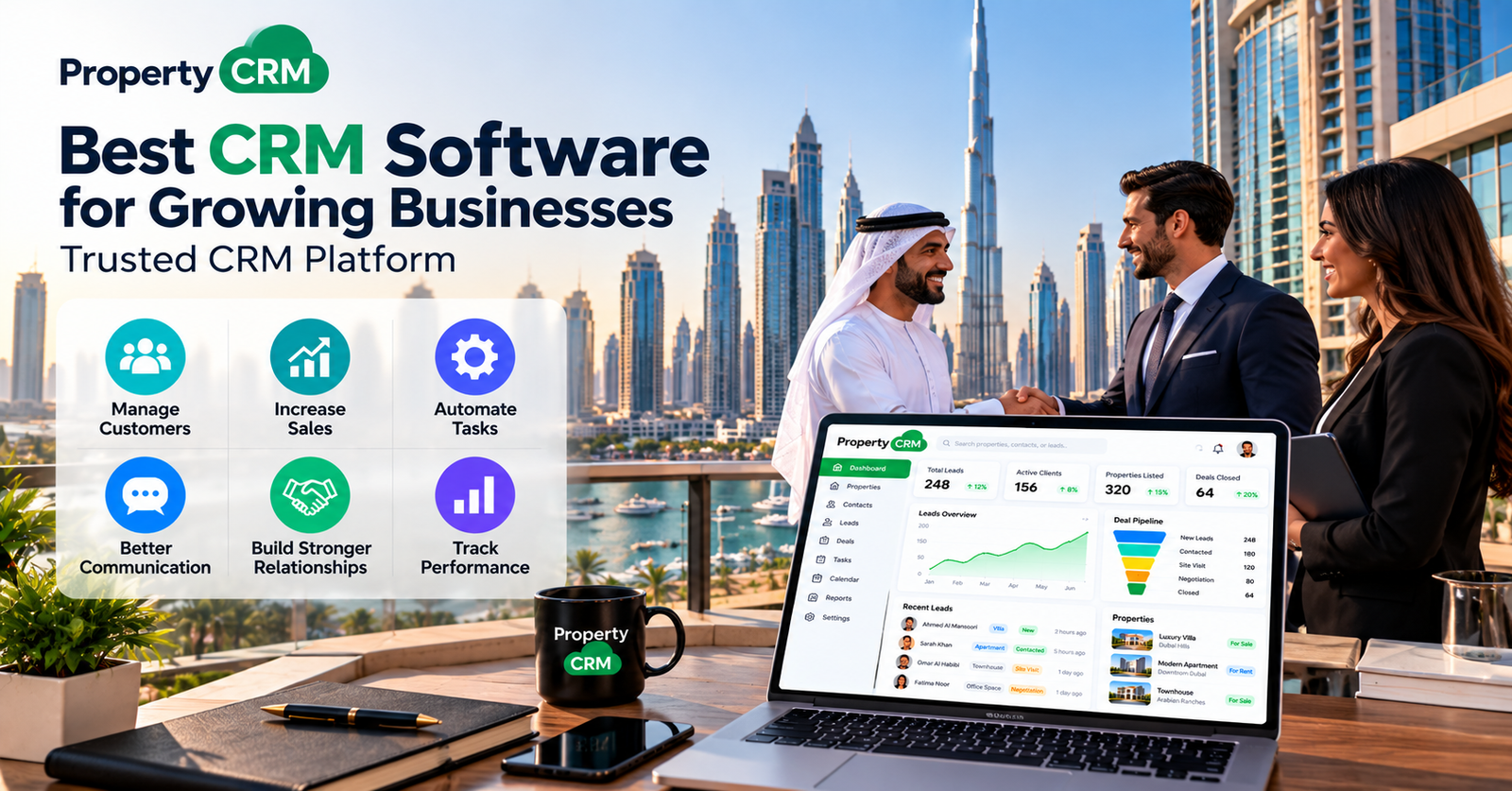
Best CRM Software for Growing Businesses | Trusted CRM Platform
Picture a busy Monday. Over the weekend, one customer asked for a price, another wanted a callback, and a third sent a payment screenshot. Somebody saw those messages. Nobody remembers who.
That’s what growth looks like when customer details live in phones, notebooks, and half-updated spreadsheets. Sales slip through, and not because anyone is careless. There’s just nowhere to put it all. The best CRM software for growing businesses fixes this by keeping your customers and sales activity in one place. It should suit your team today and still work when you’ve doubled in size.
What is CRM software?
What is CRM software?
CRM software is a database storing all your customer information and records every single communication in one place. CRM means customer relationship management.
Consider it an ever-growing notebook where nothing gets lost. It will store all customer info and their history of interactions with you: questions, promises, and follow-up actions. Customer data management without physical files.
CRM software is lead management software as well as sales management software. This allows you to track incoming leads, active deals, and returning customers from one place. Some solutions even provide marketing automation and customer support features plus various reports. Almost all CRMs are cloud-based solutions, allowing your team members to access information on a laptop and phone as well.
Why do growing businesses need a CRM platform?
Thirty clients can use an excel file. Three hundred will need something better because leads come through calls, WhatsApp, Instagram, and website inquiries. Each source has its own small pile.
A customer relationship management system ensures all the leads receive a single record, regardless of the source. This makes it easy to track the leads until conversion.
Follow-ups stop depending on someone’s memory. Your sales team sees the same information, so the customer gets the same answer no matter who picks up the phone. And you finally get a straight look at how sales are going.
What features should the best CRM software include?
A long feature list can be confusing. These six cover most of what a growing business needs.
1. Lead and contact management
This is the base. Contact management keeps each customer’s details and interaction history in one record. Lead tracking lets you sort by source, status, or priority, so you know who to call first.
2. Sales pipeline management
You move each deal through its stages, from first inquiry to payment. The sales pipeline shows which deals are moving and which have gone quiet, so you can nudge the right ones in time.
3. Follow-up reminders
Schedule calls, meetings, and follow-ups, and the CRM reminds you when it’s time. Far fewer “I’ll call you tomorrow” promises get forgotten.
4. Workflow automation
Repetitive jobs eat the day. With workflow automation and sales automation, you can set notifications and follow-up steps to run on their own, wherever that makes sense.
5. Reporting and analytics
Sales performance reports show activity, conversion rates, pipeline progress, and how the team is doing. This is where sales analytics earns its place.
6. Integrations and mobile access
CRM integration connects the system to the tools you already use, so you aren’t copying data between apps. Mobile access means customer details are with you when you’re out of the office.
Not sure which of these your team really needs? Property CRM can help you work it out. Call +92 300 1110365 or email info@propertycrm.net.
How does CRM software help a business grow?
As the business gets busier, a CRM takes over the jobs that are easiest to drop.
Lead management gets simpler, because potential customers sit in one organized list instead of buried chat threads. Your team replies on time, so fewer follow-ups get missed. Each deal’s progress is visible, which means the sales process no longer lives only in people’s heads.
Past conversations are on record too, so a returning customer feels remembered. That supports customer retention. Reports show where deals stall and where the gaps are, which makes decisions less of a guess. And because the right people see the same customer information, the team stops repeating each other’s work.
Results still depend on how well the CRM fits your business and how consistently your team uses it. A tool nobody opens won’t help anyone.
How to choose a trusted CRM platform
Before you pick, ask a few plain questions about each option.
- Can your staff learn it without a long training course?
- Can it handle more users, leads, and workflows as you grow?
- Can you shape it around your own sales process?
- Does it work with the tools you already use?
- Does it offer access controls and data protection?
- Are extra users, features, and setup costs affordable?
- Is useful technical help there when something goes wrong?
A trusted CRM platform for small businesses should be easy to start with. Scalable CRM software for growing companies should keep working when your team doubles. And the best CRM software for growing businesses isn’t the one with the most features. It’s the one that fits your needs and your budget.
CRM software vs. spreadsheets
Spreadsheets aren’t the enemy. They just have limits. Here’s how the two compare.
| Feature | Spreadsheets | CRM software |
| Customer information | Often managed manually | Centralized customer records |
| Lead tracking | Manual updates | Dedicated lead management |
| Follow-ups | Separate reminders may be needed | Built-in tasks and reminders |
| Sales pipeline | Requires manual organization | Visual pipeline tools may be available |
| Reporting | Often requires manual work | Reports may be automated |
| Team collaboration | Can become difficult as records grow | Shared access and permissions |
A spreadsheet can cover simple needs. Once your lead volume, team size, and sales process grow, a CRM is usually more practical.
Common mistakes to avoid when choosing CRM software
Most bad CRM choices come down to a few habits. Some people pick on price alone. Others pay for features the team never touches, or forget to check whether the CRM works with their other tools.
Then there’s the data. Moving inaccurate or duplicate records into a new system just moves the mess. And skipping staff training, or starting without clear goals, leaves the software sitting unused.
Planning and team adoption matter more than the logo on the software. A CRM only pays off when people use it.
FAQs
What is the best CRM software for growing businesses?
There’s no single winner. The best option is easy to use, keeps lead and customer data in one place, connects with your tools, and scales as your team grows. Match it to your sales process and budget, and test it before you commit.
How does CRM software help a business grow?
It keeps leads organized, reminds your team to follow up, and shows where deals stall. That means fewer lost sales and better customer retention.
What features should a good CRM platform have?
Look for lead and contact management, sales pipeline tracking, follow-up reminders, workflow automation, reporting, integrations, and mobile access.
Is CRM software suitable for small businesses?
Yes. Even a small online store gets inquiries from several channels. A simple CRM keeps them in one place, and many platforms let you add users and features later.
How does CRM software help manage leads?
It records each lead’s source, status, and conversation history. You can see who needs a call, move deals through the pipeline, and avoid losing track of people.
What is the difference between CRM software and a CRM platform?
The terms often overlap. CRM software usually means the core application for customer records and sales tracking. A CRM platform often suggests a wider system that also covers marketing, support, integrations, or automation.
How much does CRM software cost for a growing business?
It depends on the number of users, the features you need, and the setup involved. Many vendors charge per user or by plan, and some add costs for training or integrations. Ask for a clear quote before you decide.
How do you choose a trusted CRM platform?
Check ease of use, scalability, customization, integrations, security, pricing, and support. Then try a demo using your real sales process.
Conclusion
Growth is easier when nothing slips. A CRM system for managing customer relationships gives you one place for customer data, lead tracking, follow-ups, and reports.
The best CRM software for growing businesses is the one your team will actually use, and one that can scale with you. Know what you need, avoid the common mistakes, and test before you commit.
Ready to see what fits your business? Talk to Property CRM on +92 300 1110365 or write to info@propertycrm.net.



No comment